As a recently retired history professor, I cannot help a little lecturing when there is confusion. My heart is breaking for those suffering in the eastern Mediterranean, so as an author and historian I’m naturally going to recommend a book as my contribution to the peace process.
The conflict between Palestinian Arabs and Israelis is not thousands of years old, despite the epic storytelling. Rather it goes back to the end of the Ottoman Empire, which was huge.

The entire area in conflict today was part of the Ottoman Empire which oppressed everyone equally. Jewish, Christian, and Orthodox enclaves could conduct their own affairs and patrol their own communities, so long as they paid their taxes and followed Ottoman law. It was kind of like the Pax Romana – a big empire forbidding autonomy but allowing significant freedoms. Any breaking of the peace was punished.
The Ottoman Empire sealed their doom when they chose to support Germany in World War I, and the victorious European powers divided it up. Although Prince Faisal of Arabia had united the Arab tribes under his control and was prepared to rule a pan-Arab state (surely you’ve seen Lawrence of Arabia?), the victors would not allow this sort of power to emerge. Instead they divided the area into mandates, which were like semi-autonomous colonies. Palestine was one of these, controlled by Great Britain.
World War II put an end to mandates, as people under colonial rule helped their oppressors then rebelled against their rule. Violence in Palestine had been on the increase, and although Britain had promised a Jewish state, it became impossible. By 1947, the brand spanking new United Nations did some partitioning to prevent war. Palestine was under Palestinian Arab control, Israel under Israeli Jewish control.
Israel agreed to the partition and announced their new state. The Palestinians didn’t, and attacked Israel. You can read about all the wars since then, but they resulted from creating nationalisms (Palestinian, Israeli) where there hadn’t been any, which in my experience always causes trouble. Today’s horror is the latest version.
So what’s the book? The Peace to End All Peace, by David Fromkin, is a 1989 book by a Pulitzer Prize author, so it’s readable. It focuses on that time after World War I, when the modern Middle East was created, and how it happened. Highly recommended!



 It began after midnight with an article I found that I wanted to use for my chapter of the Oxford Handbook on H. G. Wells. Wells is famously known to have written that human history is a race between education and catastrophe. In seeking interpretations other than the obvious, I came upon an article from 2017 by Jeffrey Di Leo entitled “Catastrophic Education: Saving the World with H. G. Wells”. In this article, he wrote:
 My expertise in this area is very much focused on the years of Wells’ life before he wrote The Time Machine at age 29. His work prior to that was very much focused on education, first his own and then the pupils he taught as a pupil-teacher, schoolmaster, and tutor. He wrote extensively on education, drawing on his own experiences as a student, first in a dame school and then a commercial academy, and then his job as a teacher. I have recently republished 81 of the articles he wrote on science teaching, pulling them together
  Although there is much overlap in his works before and after World War I, that conflict provides a likely breaking point between his earlier and later works. Even when they were frightening, pre-war scientific romances such as War of the Worlds and The Island of Dr Moreau retained their optimism in the form of a protagonist horrified at what was happening. His “conversation novels” and what I consider more feminist works (especially Ann Veronica) also have a strain of optimism. But after the war, the novels become more and more direct in their criticism of humanity. Wells seems to have taken the senselessness and mass deaths of the Great War as a sign of the end of civilization. He was not alone in this, of course. But it’s almost as if Wells took it personally, and his work becomes more and more polemical, diagnosing society’s ills and demanding remedies.
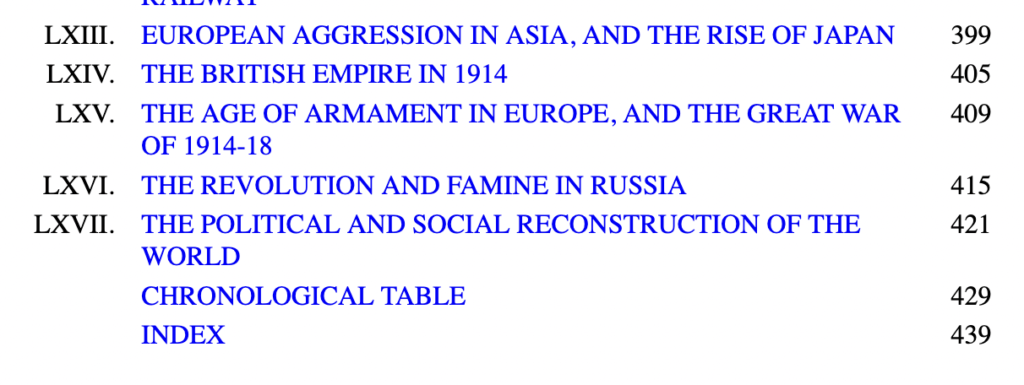
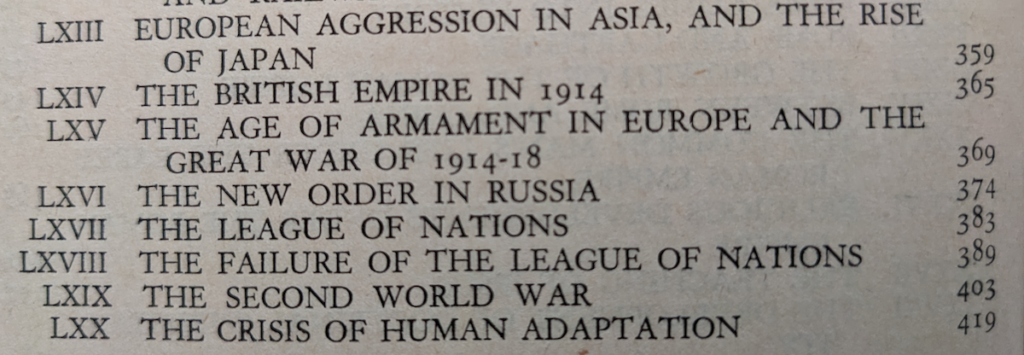
 Wells’ The Outline of History (1920) and A Short History of the World (1922) were published right after WWI. It seems clear to me now they were an attempt to teach people about the past so humanity could avoid mistakes. I’ve been teaching history since 1989. For both of us, education has always been the answer to everything. If things go wrong, and people do awful things, it’s because they just aren’t educated enough. They literally don’t know any better.
 For the blessedly uninitiated, NaNoWriMo stands for National Novel Writing Month, and it’s always November. Since 1999, writers and would-be writers from all over the country, and now the world, try to write a novel of 50,000 words from scratch in one month. It’s a challenge, to be sure, and I wanted to see if I could do it just for the hell of it.


 This morning I had the pleasure of presenting to the H. G. Wells Society for their conference “Experiments in (Auto)biography: H.G. Wells and Life-Writing”. I was asked to talk about the background to my novel and my recent collection of his science teaching writings. It was fun!
 In my Victorian mysteries, the question of poison occasionally arises. Most Victorian poisoning stories use arsenic, because it was everywhere. Yes, it was in rat poison, but also in face lotion (stronger than Clearasil), wallpaper, and fabric (a cool green was made from copper arsenic pigment*), and it was easy to obtain. Arsenic, I’ve learned, is a very slow poison. It’s perfect for killing your husband over six months and making it look like he died of natural causes. It’s not going to cause your victim to keel over as he’s drinking tea, which is what I wanted. But eventually my detective must figure out what happened, so the question is: what did they know about detecting poison in the 1860s?
